Creating a Google Business Profile and collecting reviews
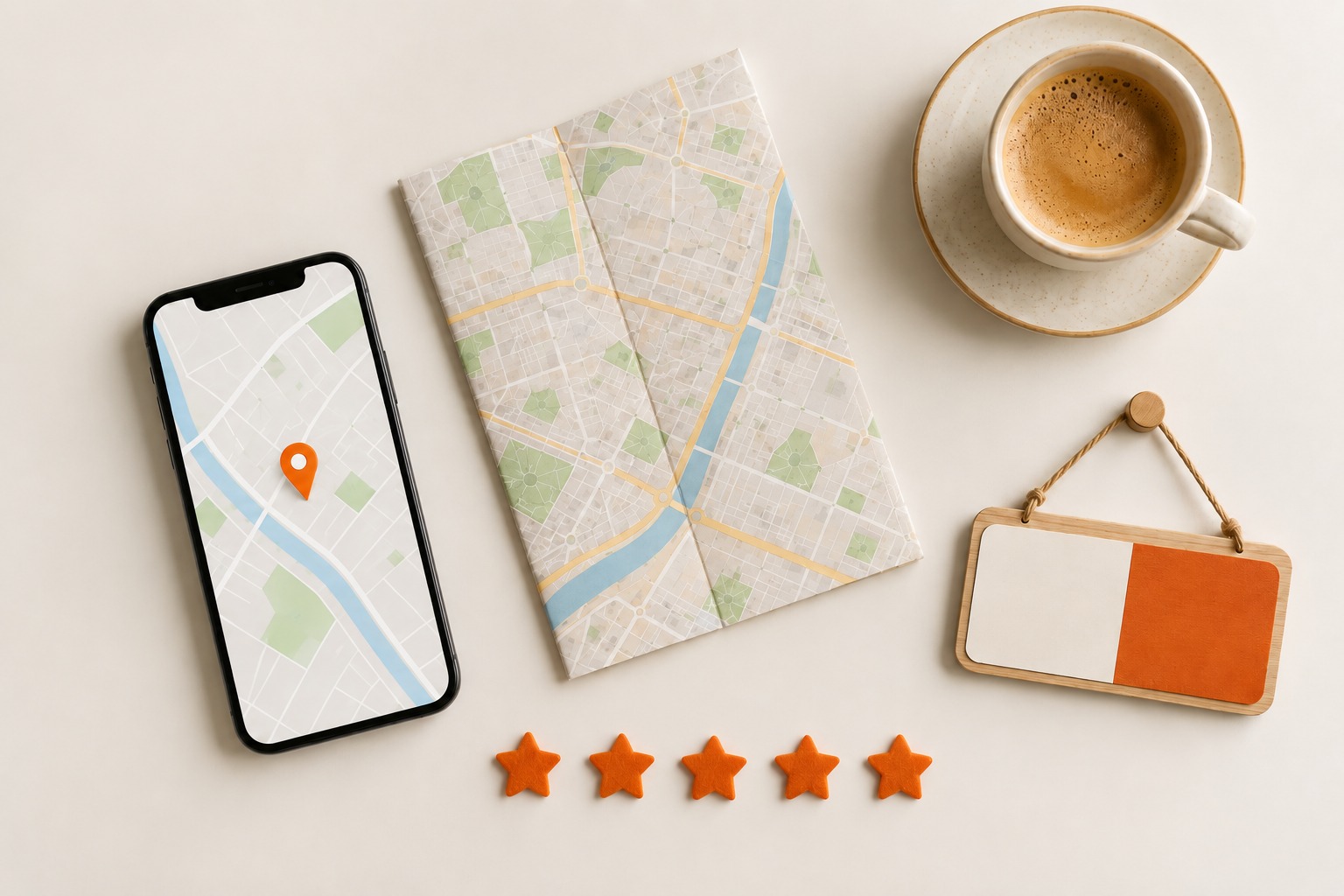
Of everything you can do to get found locally, this delivers the fastest result. It takes an hour of work, it is free, and you usually see something back within a few weeks. Yet for many business owners it is still on the list of things to get round to one day.
Below is how to create the profile, and then the part that really matters: how to collect reviews without becoming a nuisance.
What it does for you
Your Business Profile is what Google shows when someone types in your name: the panel on the right with your opening hours, your phone number, photos and your rating. It is also what puts you on the map when someone nearby searches for what you do.
That second part matters most. Someone looking for a tradesperson in their own town first sees a map with three businesses, and only below that the ordinary search results. Being in there is often worth more than a place on the first page underneath.
How to create the profile
- First search for your own business name in Google. There is often already a profile created automatically from public data. You then do not have to create it, but claim it. If you see it, choose the option to manage it.
- If it does not exist yet, create it through google.com/business. All you need is a Google account.
- Choose your main category. This is the most important choice in the whole form, see below.
- Address or service area. If you have a shop or practice where customers come to you, fill in the address. If you travel to customers, choose a service area and list the places you go. Your address does not have to be visible then, handy if you work from home.
- Phone and website. Use the same number that is on your site, and link to your home page or to the page that best matches your main service.
Verification: the bit where you wait
Google wants to know the business really exists and that you belong to it. Depending on your situation you are offered one or more of these options:
- A postcard with a code. This takes longest, usually a little under two weeks.
- Phone or email, you receive a code immediately.
- A short video in which you show your premises, your tools or your work van. This is becoming more common and often comes through within a few days.
You can fill in the profile while you wait. It only becomes visible after verification, so do not put that off.
The category matters more than you think
Google uses your main category to decide which searches you appear in. Pick the most specific one that is accurate. If you are a roofer, choose roofer and not construction company. If you genuinely do more alongside it, add that as an additional category, but keep the main category on what you do most.
What you fill in next
A half-filled profile is shown less often than a complete one. It is a one-off job:
- Opening hours, and enter the exceptions around public holidays as well. Anyone standing in front of a locked door will mention it in a review.
- Your services, written out in the words customers themselves use when they call.
- A short description of your business. Not a list of keywords, just what you do and who for.
- Real photos. Your work, your premises, your van, your team. Everyone spots stock photos and they do more harm than good. Add to them whenever you have finished something you are pleased with.
- Your logo and a cover photo, so it looks tidy in the panel beside the search results.
Collecting reviews
Reviews carry a lot of weight, both for your position on the map and for the person deciding between you and a competitor. Five genuine reviews do more for you than six months of waiting. The good news: most satisfied customers are quite willing to write something, they simply do not think of it.
Ask at the right moment
The best moment is right after you have delivered something and the customer is visibly pleased. Not a week later by email, but there and then, while you are still on site or still on the phone. That is exactly the moment when someone says yes and actually does it.
Make it easy for the customer
Never ask someone to look you up in Google, because then it will not happen. Your Business Profile contains a ready-made link that opens the writing window straight away. You can:
- send that link by WhatsApp, with a line explaining why you are asking;
- put it at the bottom of your invoice;
- put it in your email signature;
- stick it as a QR code on your counter or in your van.
The shorter the path between your request and the writing window, the more reviews you get.
What not to do
- No discount or gift in exchange for a review. That is against Google's rules and can cost you your profile. Besides, readers can tell from the tone.
- Do not only ask people you are sure will be positive. That is not allowed either, and a profile with nothing but five stars arouses suspicion.
- Do not write them yourself and do not have family or staff write them. Google recognises the pattern, and so does a customer.
- Do not collect them all at once. Twenty reviews in a week looks bought. A few a month, year in year out, is more credible and works better.
Replying is part of it
Reply to every review, briefly and in your own words. For a positive one that is simply good manners. For a critical one it is your chance: readers often skip the complaint and look at how you respond.
Stay professional, do not get into an argument, and offer to sort it out away from the review. A calm reply to an angry review convinces a hesitant reader more often than ten five-star ratings.
An unfair review
You cannot remove it yourself, and Google only takes a review down if it breaks the rules: fake, abusive, or clearly meant to do harm. You can report it from your profile. Reckon on a few days to a few weeks, and on a refusal if it is simply an unhappy customer.
If reporting does not work, reply politely underneath. In the end that is the only thing the reader sees.
What to expect
After verification it usually takes a few weeks before you show up consistently in searches around you. That is considerably faster than the months an ordinary website needs to compete, as we described in my website is live, what now?
Keep the profile up to date afterwards. New photos, accurate opening hours and a steady trickle of reviews keep it alive. The wider picture of getting found locally is in getting found in your own region.
Stuck somewhere while creating or verifying it? Send us a message, we have done it plenty of times.
Read more
My website is live, what now?
Your site is online, and that is step one. What still has to happen before customers find you on Google, how l…

Advertising for your business: where to start?
Not waiting for Google to pick you up, but being visible right away. Which channel suits you, what you need in…
Getting found in your own region
Being visible locally works faster than competing nationally. Your Google Business Profile, reviews and accura…